

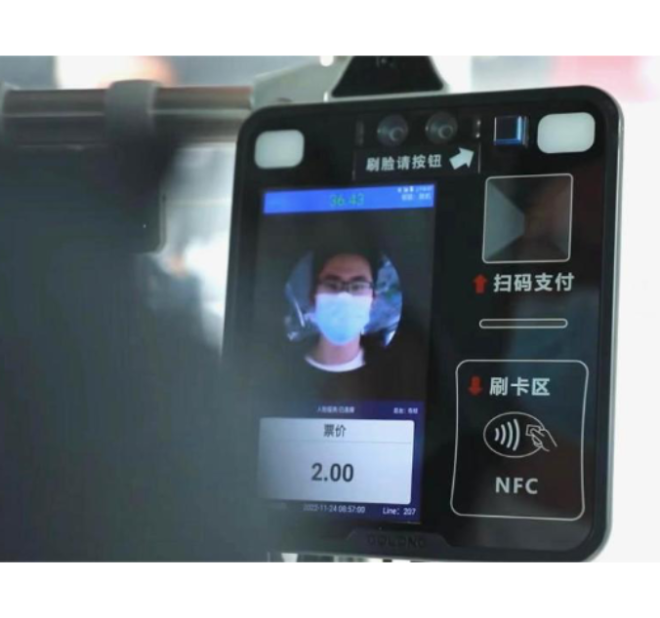
New service
The process of opening add-on pay
Enter Changshan U worry-free bus face payment mini program

Search for “Changshan U Worry-Free Bus Face Payment” or “Changshan Bus” in Alipay and select Changshan U Worry-Free Bus Face Payment to enter the homepage
- choose “open add-on pay for close relatives”
- Verify the last 6 digits of the ID card in the Alipay account
- Enter information to open the card and confirm card information
- Enter and confirm the name, ID card type, then click Agree
- Enable password-free payment
Once it is activated, there is no need to recharge and bring card to take the bus. If it has been activated, you can ignore.
Open face payment:Agree and confirm the face identity verification service and enter face information.
Open successfully:When it is successfully activated, you can use modules such as travel history query, user management, etc.