

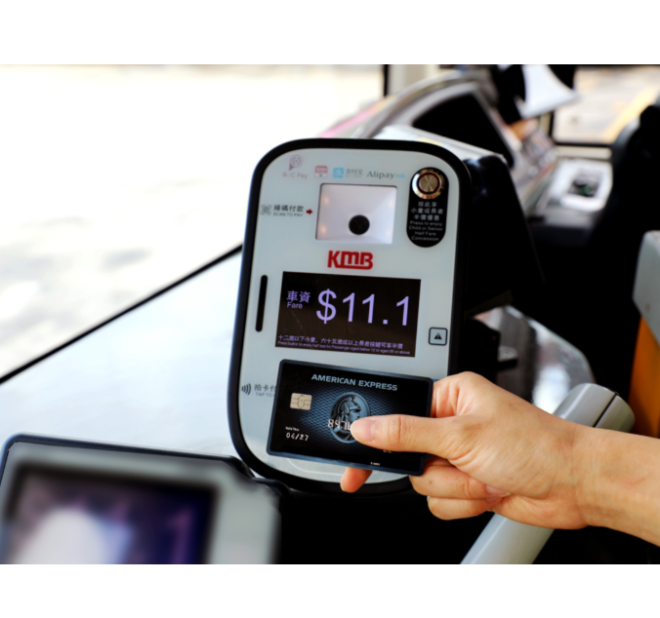
In fact, buses have supported Alipay as early as last September, but the use of Alipay is different from before this time.
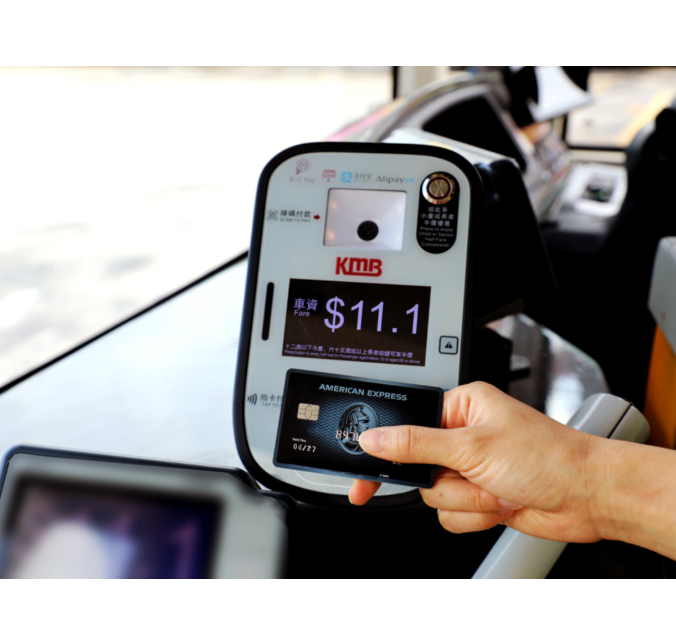
Payment method:
For someone who first uses Alipay
- Open Alipay - choose “City Services”.
- Turn your phone's location accuracy on- choose “Transport”.
- Instruction for QR code payment.
- Choose “Activate”.
- QR codes can be used after opening
For someone who already opened
- Open Alipay - choose “Pay”.
- Select “Transport”.
- Pay the fare in front of the scanner.
When you choose “Pay” on the main screen, you'll find the new “Transport” entrance next to the “Payment Code”. When taking the bus, you choose “Transport”. Then, you can use QR code payment. In this way, it is no longer necessary to repeat the operation every time as before. As long as you complete the opening, collect the bus e-card, and get the entrance of “Transport”, the operation will be very easy in the future.
There are two scanning areas. The upper one is for Alipay, which is suitable for young people. The lower one is for UnionPay QuickPass, which is more widely used and convenient for citizens. As long as it is a second-generation UnionPay card. No matter which bank, the card with a chip and a QuickPay logo can be used. In addition, mobile devices such as mobile phones that bind with UnionPay QuickPass cards are also supported. The machine will send a “ding-dong” reminder to complete the payment without the password.
Buses realize different ways of payment while being convenient for citizens. It is also possible to retain these data in the background and provide more scientific research samples and data information on the adjustment of the bus network structure, route direction, shift density, vehicle size, etc. in the future.